 Help Center
Publish recurring schedules
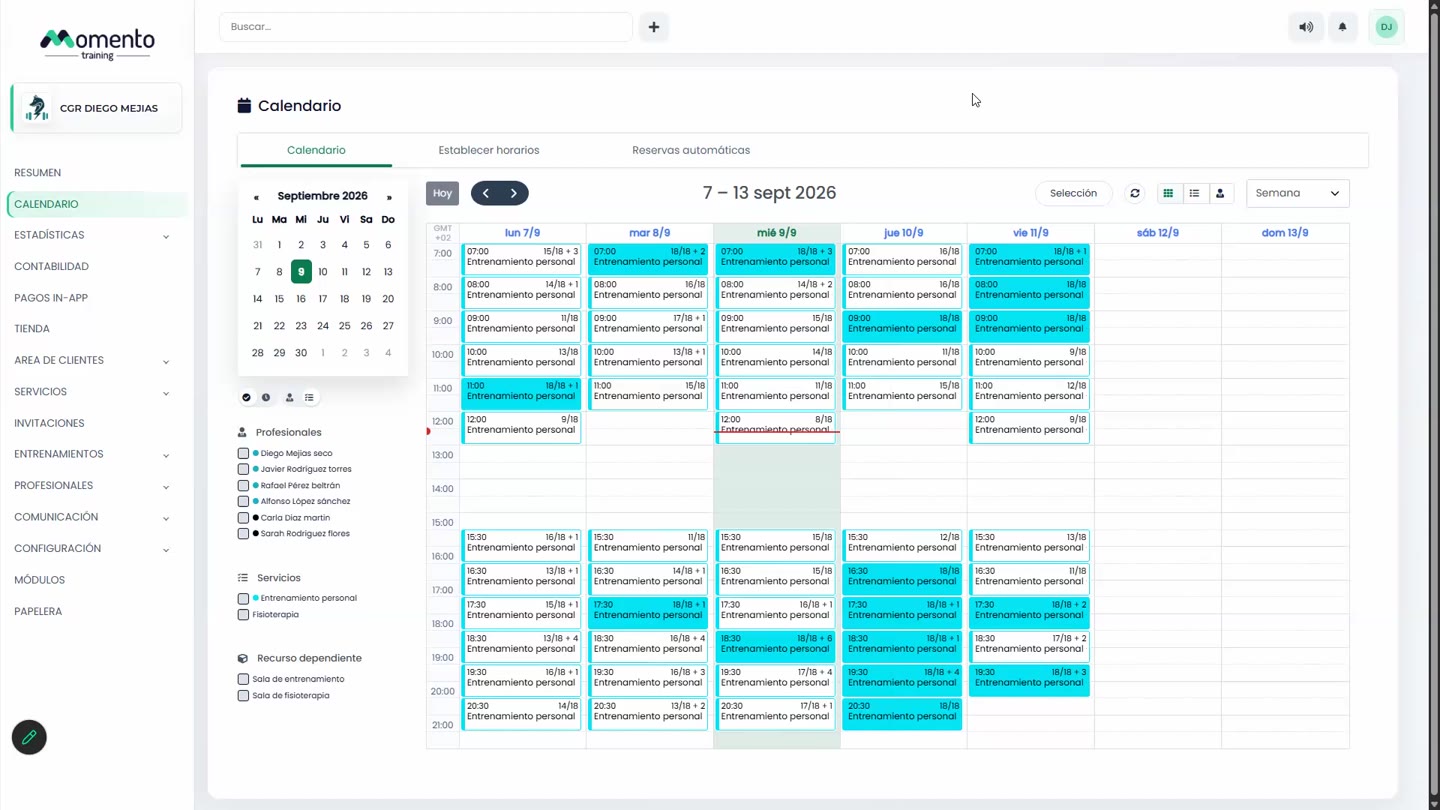
Check schedules, sessions, and automatic bookings before publishing calendar changes.

Recurring schedules keep a stable programme of sessions. Publishing them applies those changes to the visible calendar.
Before publishing, review services, professionals, capacity, dates, and any affected automatic bookings.
If the changes are provisional, work carefully and use silent mode when you do not want notices to be sent during preparation.
Recommended steps
- Review the pending recurring schedule.
- Check the sessions that will be created or updated.
- Validate automatic bookings and expected occupancy.
- Publish once the programme is final.
Before you start
Make sure you are in Calendar and that you have permission to perform this action in the correct center.
If you are changing information that affects clients, bookings, payments, or notifications, review the current state first to avoid incomplete changes.
What happens next
After saving or applying the action, return to the related list, profile, or session and check that the change appears as expected.
If the result is not what you expected, review filters, selected date, active center, and item status before repeating the action.