 Help Center
Configure a service and its rates
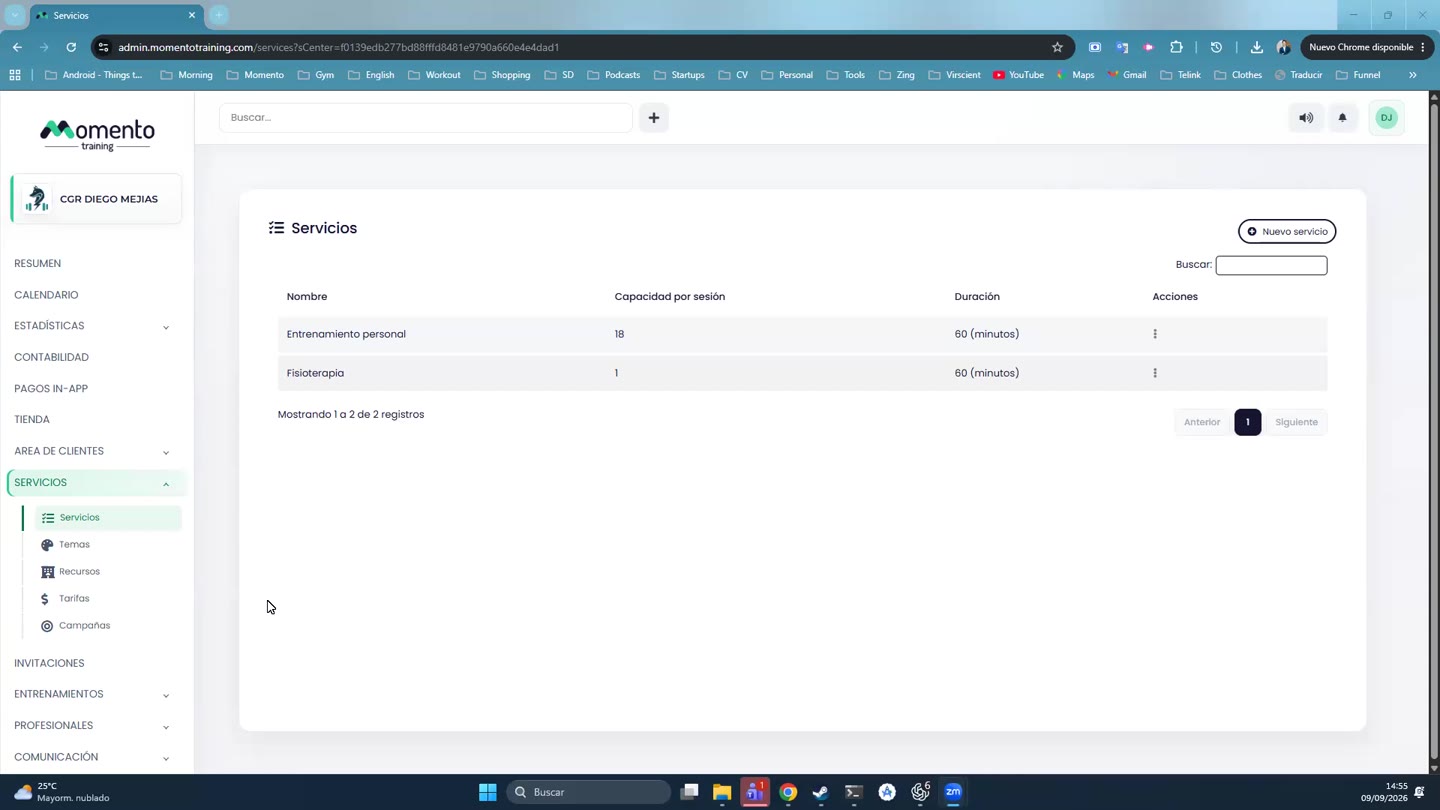
Define services, rate groups, memberships, booking settings, waiting list, themes, and resources.

Services is one of the sections with the biggest impact across the panel, app, calendar, client area, accounting, and statistics.
A service defines what can be booked or sold; rates and memberships define how it is purchased, consumed, and controlled.
Before activating a service, review booking settings, waiting list, notifications, themes, resources, and app visibility.
Recommended steps
- Create or edit the service.
- Configure bookings, waiting list, and notifications.
- Attach themes and resources if applicable.
- Define rates and the default group.
- Check app and calendar impact.
Before you start
Make sure you are in Services and that you have permission to perform this action in the correct center.
If you are changing information that affects clients, bookings, payments, or notifications, review the current state first to avoid incomplete changes.
What happens next
After saving or applying the action, return to the related list, profile, or session and check that the change appears as expected.
If the result is not what you expected, review filters, selected date, active center, and item status before repeating the action.