 Help Center
Create training programs
Organise exercises, blocks, days, weeks, sellable programs, and personalised programs.

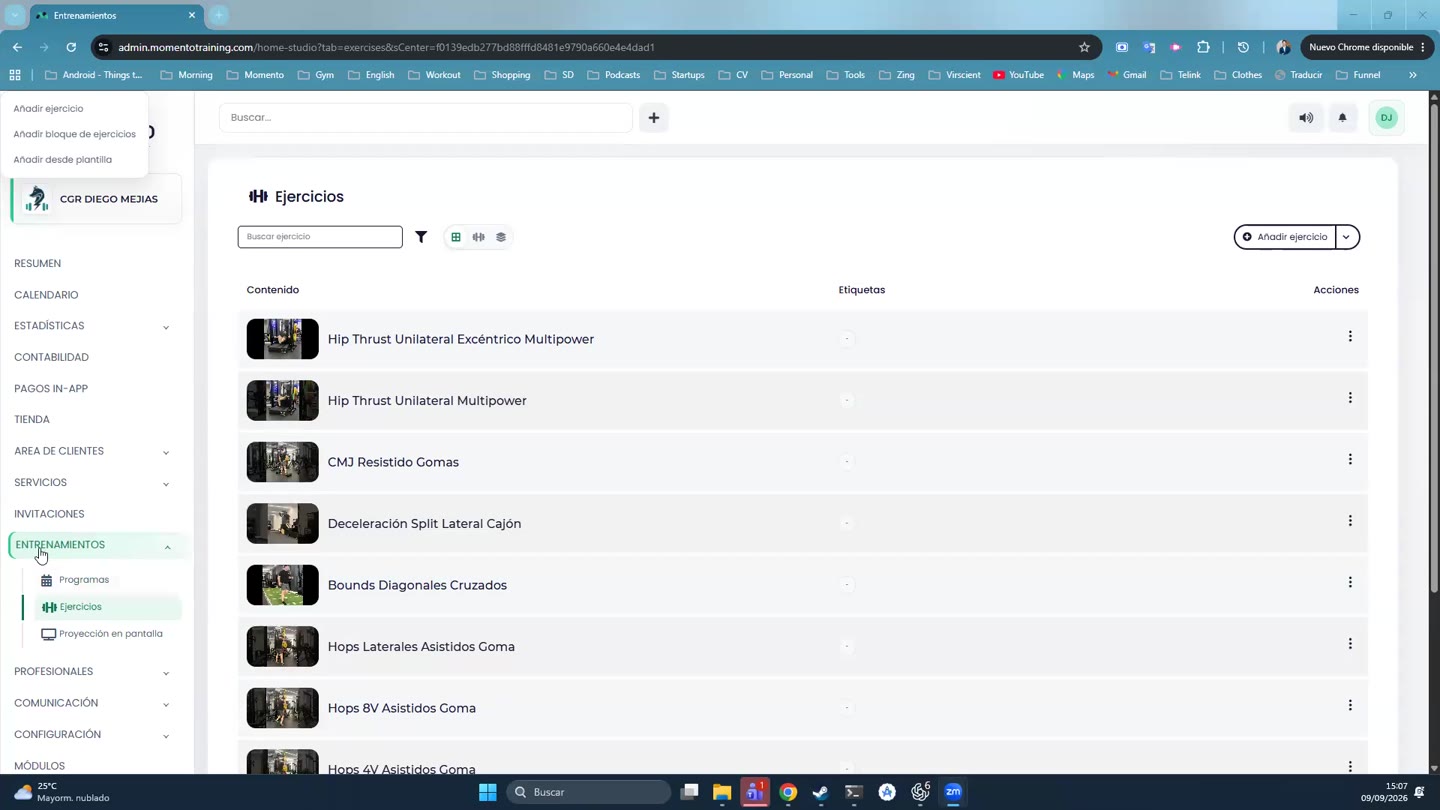
The Training module lets you create exercises, group them into blocks, and build programs by days, weeks, or dates.
A program can be sold, assigned to clients, or personalised for a specific case.
When the client uses it from the app, result tracking and history help follow progress.
Recommended steps
- Open Training.
- Choose whether you are working with exercises, blocks, programs, or results.
- Review the full structure before assigning or selling it.
- Afterwards, check how it appears for the client in the app.
Before you start
Make sure you are in Training and that you have permission to perform this action in the correct center.
If you are changing information that affects clients, bookings, payments, or notifications, review the current state first to avoid incomplete changes.
What happens next
After saving or applying the action, return to the related list, profile, or session and check that the change appears as expected.
If the result is not what you expected, review filters, selected date, active center, and item status before repeating the action.